A dirty base costs identifiable money, every month, across three lines. Here is how to calculate them for your own base. The running example is Inspectable's demonstration base, built for the exercise and not taken from a client: 1,400 contacts of which only 129, that is 9.2%, are truly prospectable.
The subscription: you pay for dead records
HubSpot bills based on the number of marketing contacts. Every duplicate, every dead record kept "just in case", every unreachable contact takes a billed slot. The calculation: (useless contacts / total contacts) x annual cost of your subscription.
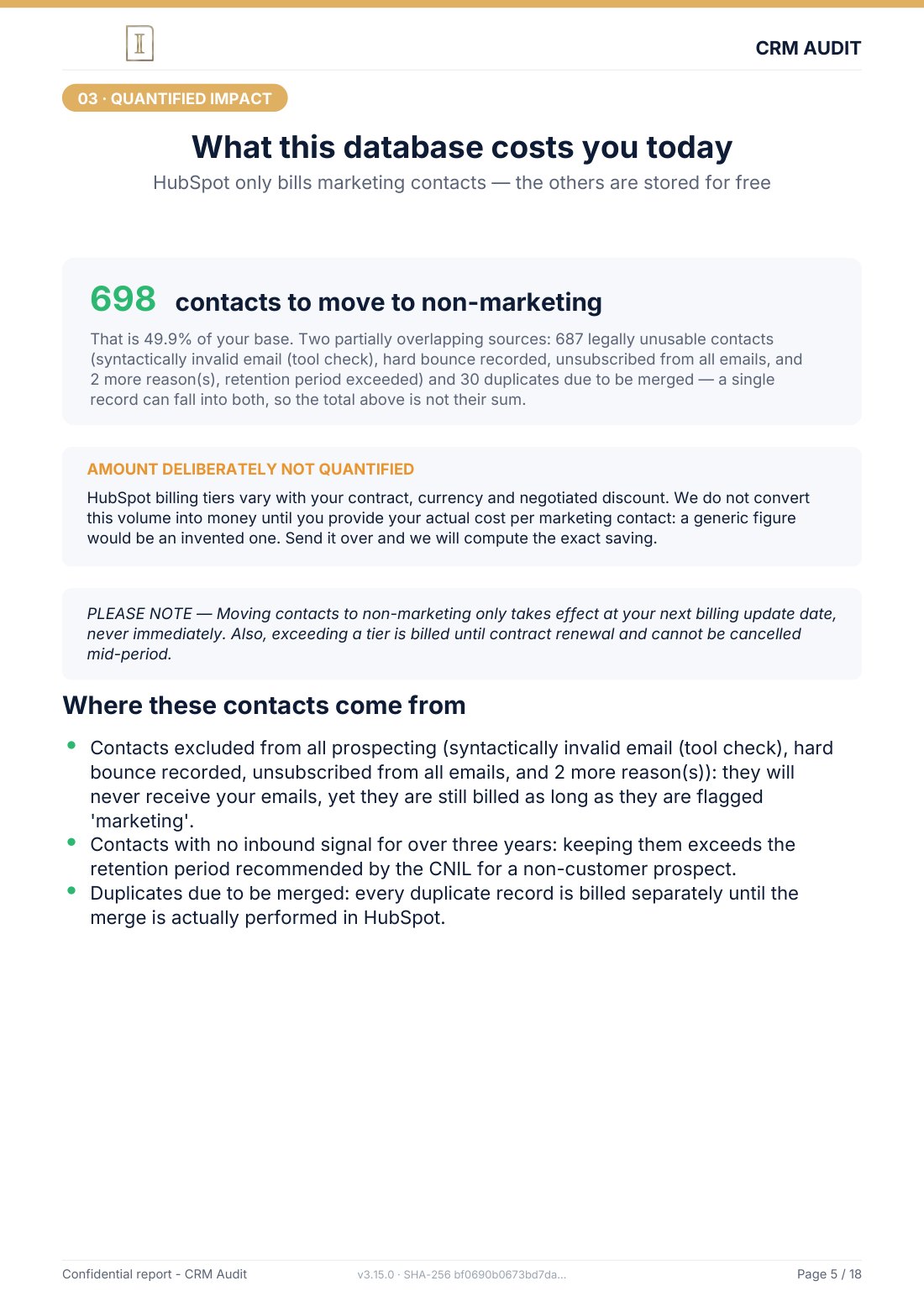
On the demonstration base: 36 duplicate groups, 679 records beyond the retention period, 7 unusable emails. Even counting only the objectively dead records, more than a third of the subscription was funding the storage of inert data.
Deliverability: your real emails pay for the fake ones
Every send to an invalid address generates a hard bounce. Beyond a few percent of bounces, the mailbox providers (Gmail, Outlook) degrade your sender reputation: your emails, including those meant for real prospects, land in spam. This cost is insidious because it appears on no invoice: it is paid in opportunities that never see your message.
Providers do not publish the threshold at which they start penalising, and it varies from one to the next. What is certain is that an invalid address never returns anything and costs on every send.
Sales time: the biggest cost, and the least visible
Do the math with your own figures: number of calls to wrong or dead numbers per week x minutes lost x loaded hourly cost of the rep x 47 weeks.
An example: a rep who loses 30 minutes a day on unusable records (invalid number, duplicate already handled by a colleague, unflagged dead lead) wastes around 110 hours a year. At 35 EUR loaded per hour, that is close to 4,000 EUR per rep per year. On the demonstration base, 429 phones were unusable, close to a third of the base. Every call attempt on those records was a dead loss.
On top of that comes a coordination cost: 365 leads with no owner mean either prospects never worked, or two reps calling the same company without knowing it.
Where to read your own figures
The formula above only helps if you have the numbers. Two of them are in your portal, the third is on your invoice, and none of them needs a tool.
- How many contacts you are billed for. HubSpot does not bill your
contacts, it bills your marketing contacts, which is not the same number. The
Marketing contact statusproperty carries it record by record, and the overall count sits in your account settings, on the page that tracks marketing contacts (Settings › Marketing contacts, depending on your version). That is the number on the invoice. - How many records are useless. Build a segment, called a list before HubSpot renamed them, filtered on what makes a
record unusable:
Email Address Quarantinedis set,Email Hard Bounce Reasonis set,Unsubscribed from all emailis true. The counter at the top of the list gives you the numerator. - What the subscription costs. On your invoice, nowhere else. HubSpot tiers vary with the contract, the currency, the discount and the age of the account: a generic figure found online turns against you on the first check.
For sales time, the only honest measure comes from your own team: ask one rep to count, over a single week, the calls that landed on a wrong number and the records a colleague had already handled. One week is enough for an order of magnitude that belongs to you, where any market average belongs to nobody.
The total, and the rational decision
| What it costs | Nature of the cost | How to measure it |
|---|---|---|
| Subscription | Recurring, direct | % of useless records x annual invoice |
| Deliverability | Indirect, cumulative | Bounce rate, spam rate, missed opportunities |
| Sales time | Recurring, massive | Hours lost x hourly cost x team |
Against these recurring amounts, a cleanup is a one-off expense where the rest repeats every month. The real question is not "how much does cleaning cost?" but "how much does every month without cleaning cost?". My complete method details the how; the free mini-audit gives you the quantified starting point.
Sources
Every page below has been opened and read. These are primary sources: the authority that sets the rule, or the software vendor.
- Understand marketing contactsHubSpot Knowledge Base. The page establishing that only marketing contacts count towards the billed tier.
- Create segmentsHubSpot Knowledge Base. How to build a segment, so you can count your own unusable records.
Do the math on YOUR base
The free mini-audit measures your truly usable contact rate within 24h, the starting figure of any cost calculation. A simple export is enough, analysed offline, no commitment.
Get my free mini-audit