Cleaning a base without closing the entry doors means booking an appointment with the same duplicates six months from now. Detection and merging are covered in the complete guide to HubSpot duplicates; this one deals with what happens upstream. Duplicates come in through four doors, always the same ones: imports, forms, integrations and manual entry. Each one can be closed, provided you know what HubSpot checks and, above all, what it does not.
What HubSpot checks on its own: the exact email
When a contact is created, HubSpot looks for an existing record with the same email address: if there is one, it updates that record instead of creating a second one. On the company side, the same mechanism runs on the domain name. This is the baseline protection, and it is reliable, but it only covers exact identity.
Imports: a unique identifier, or a duplicate record
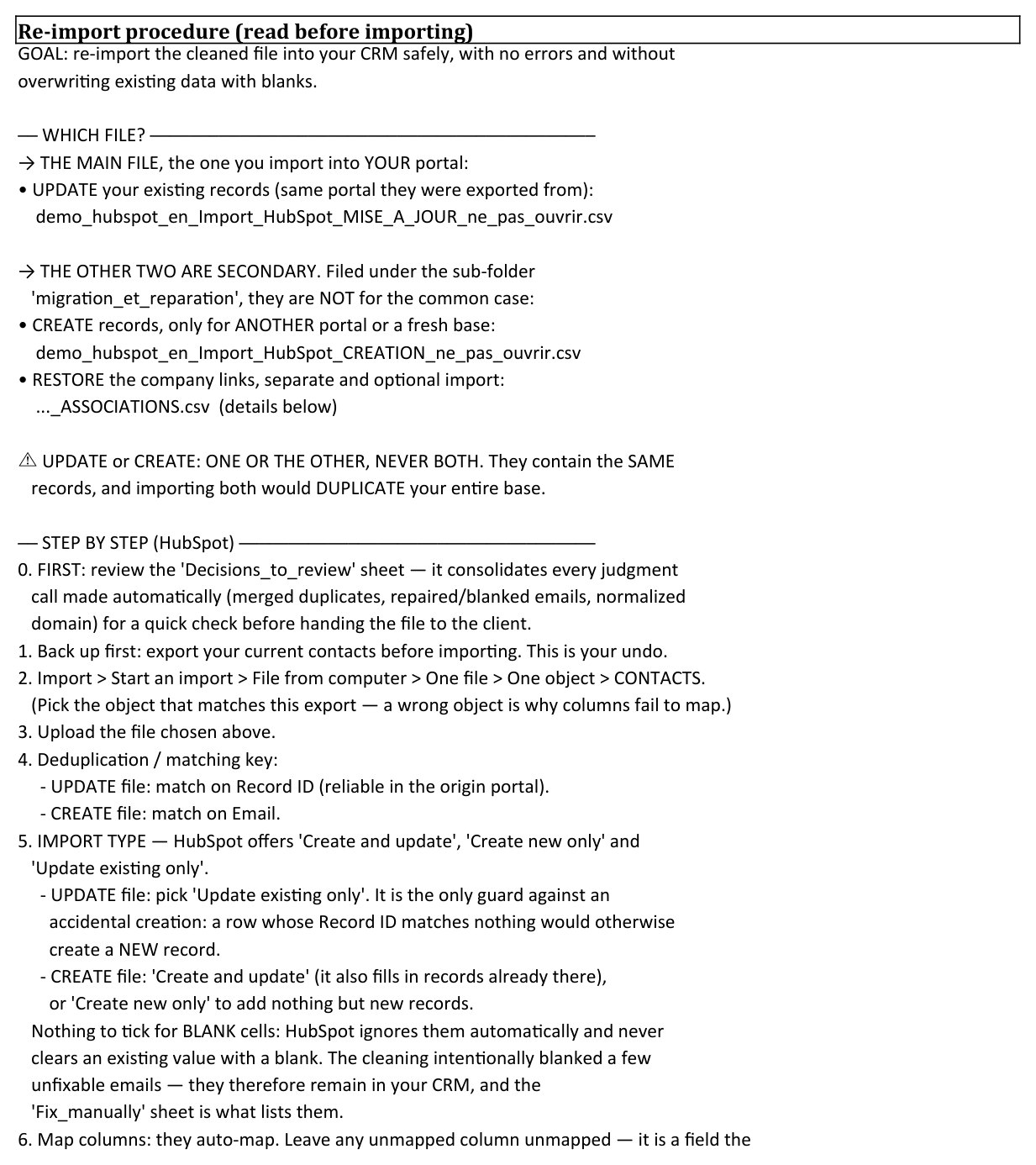
This is the main door, and the rule is mechanical. If your import file carries a unique identifier (the email or Record ID for contacts, the domain or Record ID for companies), HubSpot matches each row to an existing record and updates it. If it does not, every row becomes a new record: importing a trade show list without an email column manufactures one duplicate per attendee you already knew.
Two reassuring details along the way: an empty cell in the file does not erase the record's existing value, it is simply ignored; and matching by Record ID works even when the email address has changed in the meantime. That is why the Record ID column must survive all your round trips through Excel, as explained in the guide to exporting HubSpot contacts.
Forms: a half closed door
When a visitor submits a form with an address HubSpot already knows, it enriches the existing record and creates no duplicate. The gap is elsewhere. The same person comes back with another address, often the personal one after the work one, and opens a second record that nothing ties to the first. Custom properties with unique values block duplicates at import, but they do not apply to forms. The first line of defence is editorial. Ask explicitly for the work address, and keep free text fields to the strict minimum.
Integrations: the door everyone forgets
Billing tool, webinar platform, enrichment: every tool plugged into HubSpot creates or edits records according to its own matching rules, not yours. HubSpot's documentation gives one precise example: a company created through the API is not deduplicated on the domain name. The reflex to adopt for each integration: identify which field it matches records on, run a test with a contact you already have, and check whether it updated or created. A badly configured integration manufactures duplicates faster than an entire sales team.
Manual entry: a team rule
The rushed rep who creates a record without searching for the existing one remains a classic source. The answer is not a tool, it is a short, well known team rule: search by email, then by company name, before any creation. It costs ten seconds per record and takes one meeting to install. The sign that it is missing can be read in the base: records with no owner and no source, appearing outside any import, like the ones described in the guide on leads without an owner.
The periodic check, even when everything is set right
The four closed doors reduce the flow, they do not cancel it: email variants get through by construction. Hence a regular check, with the native duplicate management tool for the simple pairs, or by export and matching key beyond that. An active base deserves this check every month: ten minutes when all is well, and that is precisely the sign that prevention is working.
Where to start on your own base
The effective order is the reverse of the intuitive one. Start by measuring the existing stock, because it tells you which door your duplicates came in through: exact pairs in bulk point to an import without identifiers, address variants point to forms, twin records with no source point to an integration. Then close the dominant door, and only then process the stock, methodically, as described in the guide to bulk deduplication. On Inspectable's demonstration base, entirely synthetic, 36 duplicate groups across 1,400 contacts: the diagnostic pointed to successive imports as the main door, and that is where prevention had to start.
Sources
Every page below has been opened and read. These are primary sources: the authority that sets the rule, or the software vendor.
- Deduplicate records in HubSpotHubSpot Knowledge Base. Automatic deduplication: exact email for contacts, domain for companies, and its exceptions, including the API.
- Format import filesHubSpot Knowledge Base. The unique identifiers an import file must carry to update instead of create.
Which door are your duplicates coming through?
The free mini-audit measures your duplicate stock within 24h, from a simple export, with no access to your portal. The full report identifies where they come from, door by door.
Get my free mini-audit