The delicate moment of a deduplication is not finding the duplicates, it is the merge click. HubSpot's window asks you to pick a record, you confirm, and something irreversible has just happened. This guide describes precisely what that click keeps, what it overwrites and what it forbids afterwards, so that you know before rather than after. It complements the complete guide to HubSpot duplicates, which covers detection.
The primary record decides
A HubSpot merge is not symmetrical. You designate a primary record, and it gives the result its identity: when two values conflict on the same property, the primary's values generally win, and the secondary record only fills the blanks. The merge screen lets you choose value by value, but that choice is only worth something if you know which value is right, which means having looked at both records before opening the window.
The right reflex fits in one sentence: the primary record is not the most recent one, it is the most true one. The one carrying the activity history, an owner, verified values. A record created last month by a trade show import can be the freshest and the most wrong of the two.
What a merge keeps automatically
The good news is the timeline. Emails, calls, notes, meetings and form submissions from both records end up on the merged record, along with its associations: the company, the deals, the tickets. Nothing that was ever done with either contact disappears from the history.
The secondary record's email address is kept too, as a secondary email on the final record. That matters more than it seems: it is what lets you find the person under both addresses, and it is the only thread that allows you to recreate a separate record if the merge turns out to be a mistake.
What can be lost silently
Conflicting values, however, do not add up: only one survives. A job title, a phone number, a lead status present on both records with different content only lives on through the side you keep. And since the merge window shows the values without saying which one is verified, the classic mistake is keeping the best filled value rather than the right one: a wrong but complete job title wins against an exact but short one.
There is no way back
What does exist is a partial repair: recreating a contact from the secondary email address kept on the merged record. You get a record and an address back, but not the original separation: the activities of both people stay mixed on the first record, permanently. That is the whole point of the previous rule: the sorting happens before the click, not after.
The limit almost nobody knows about
HubSpot refuses a merge when the records involved have accumulated 250 merges. On a base managed by hand, you never get close. On a base that has been through years of successive deduplications, or badly bounded automated tooling, the ceiling can appear in the middle of a cleanup: you then have to create a fresh record and carry the information over by hand. One more argument for treating duplicates as one considered operation rather than corrections scattered over years.
Also worth noting for later: companies have their own merge restrictions, notably when parent and child company relationships cross. This guide stays on contacts, by far the most frequent case.
Merging and automations
A merge changes property values, and your automations do not know it is a cleanup: a change of status or lifecycle stage can enrol the merged record in a workflow, trigger an email, notify a rep. Before a series of merges, pause the workflows that listen to the properties involved, then check your active lists afterwards. The precaution is the same as before a large HubSpot import, and for the same reason: a bulk operation on data is done with automations switched off.
Before a series of merges
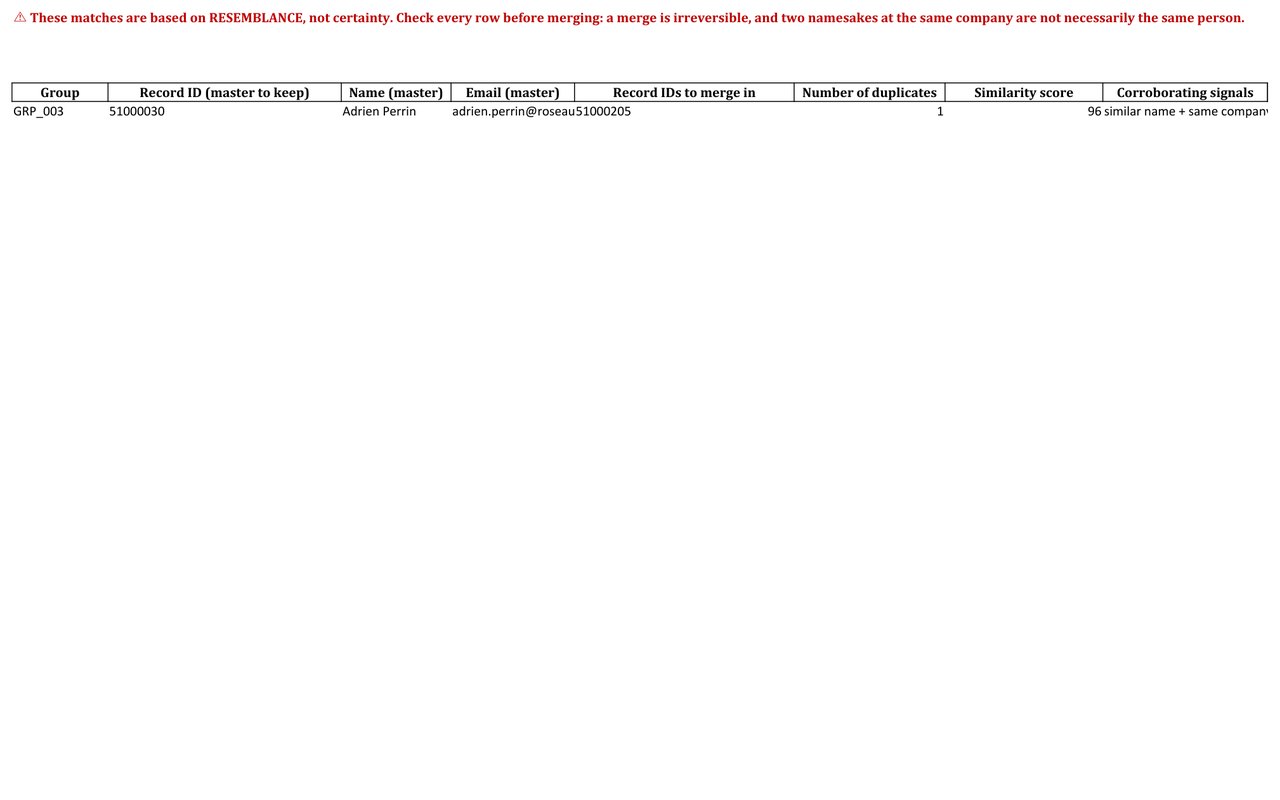
Merging two records happens in HubSpot's window. Merging two hundred groups happens before: written rules for choosing the record to keep (activity history, completeness, owner), a roadmap listing every group with its decision, and a trace that lets you answer, six months later, "why did this record disappear?". That is the subject of the guide on bulk deduplication in HubSpot. And on Inspectable's demonstration base, entirely synthetic, that roadmap documents 30 mergeable groups record by record: that level of detail is what makes a series of merges uneventful.
Sources
Every page below has been opened and read. These are primary sources: the authority that sets the rule, or the software vendor.
- Merge recordsHubSpot Knowledge Base. The conflict rule between primary and secondary records, the absence of undo and the 250 merge limit.
- Use data quality toolsHubSpot Knowledge Base. The duplicate management tool, which ends in this same merge window. Subject to your subscription.
Which records should you keep? The documented answer
The free mini-audit detects your duplicate groups within 24h, from a simple export, with no access to your portal. The full audit picks the record to keep according to explicit rules, and traces every decision.
Get my free mini-audit